Guest & User Interaction Behavior
Guest & User Interaction
Engagement lets you decide what happens when logged-out visitors try to rate, like, dislike, or favorite content. When guest mode is enabled anyone is allowed to cast a vote. The Plugin uses session id to store the users behavior to prevent duplicate votes
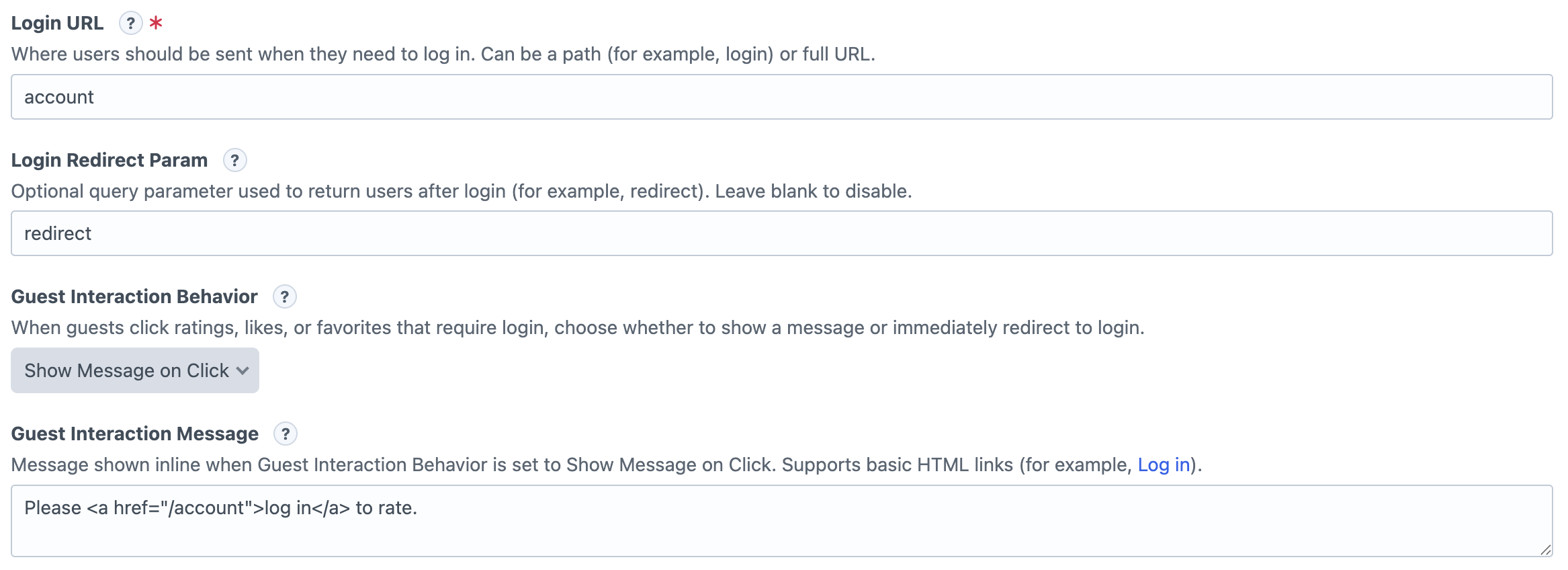
Global Guest Settings
These settings live in the Engagement plugin settings page and apply whenever a guest is not allowed to interact with a widget.
- Login URL: Where guests are sent when they need to log in.
- Login Redirect Param: Optional query parameter used to send users back to the page they came from after login.
- Guest Interaction Behavior:
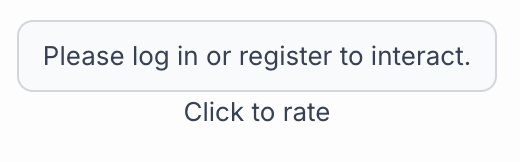
- Show Message On Click: The widget will display the 'Guest Interaction Message' to the user when they try to interact, prompting them to login
- Auto Redirect to login:
- Guest Interaction Message: The message shown when behavior is set to “Show Message on Click.” Basic links are supported.
Field Guest Settings
Each field also decides whether guests are allowed to interact at all.
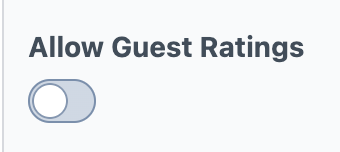
- Ratings: Use Allow Guest Ratings.
- Likes/Dislikes: Use Allow Guest Interactions.
- Favorites: Use Allow Guest Interactions.
User Change Settings
Ratings and Likes/Dislikes can also control whether users are allowed to change their choice later.
- Ratings: Allow Users to Change Their Rating
- Likes/Dislikes: Allow Users to Change Their Vote
How It Works
If guests are allowed, they can interact normally. If guests are not allowed, Engagement uses the global setting: show a message or redirect them to the login URL.