Request Logs
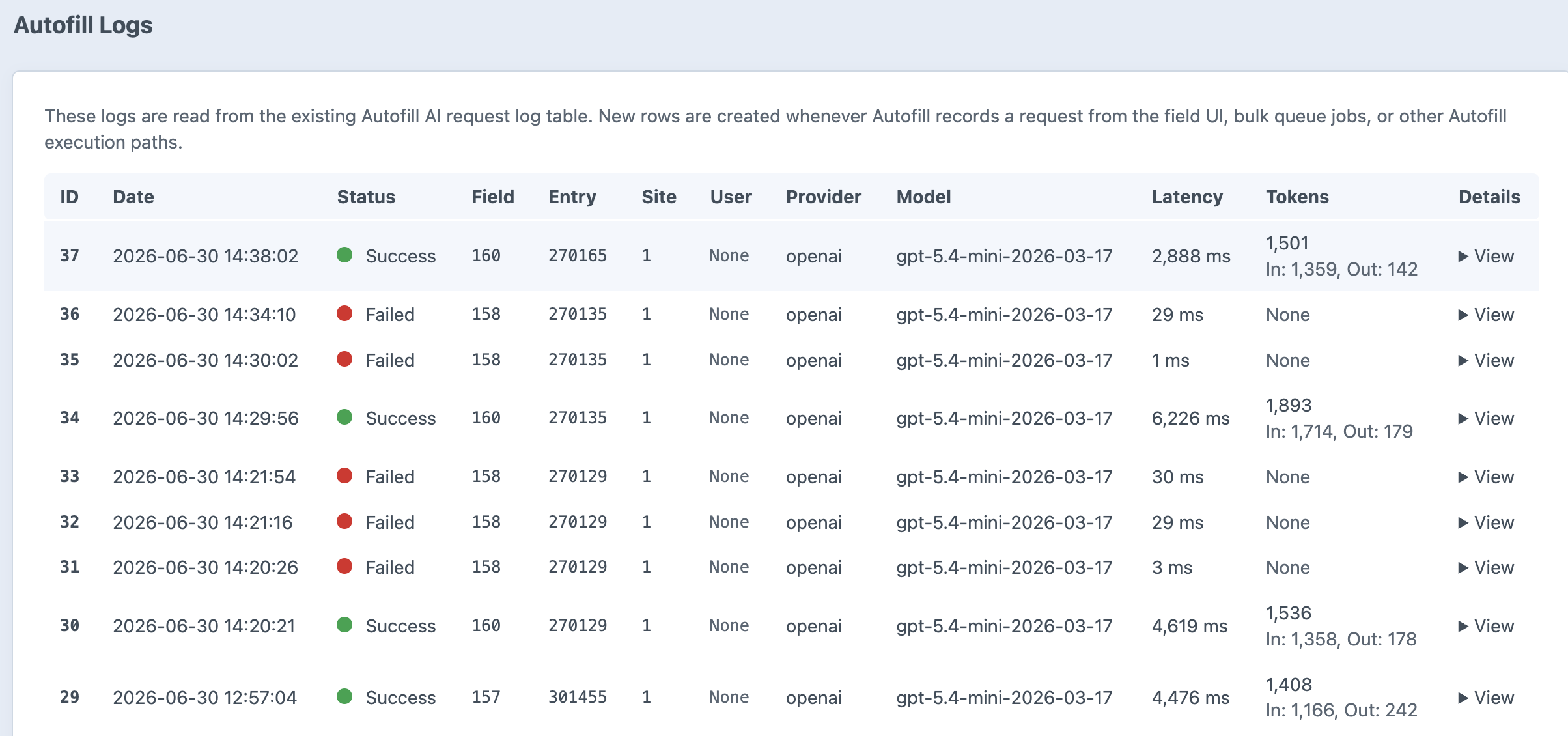
Autofill records AI request details so admins and developers can understand what happened during a generation run. Request logs are useful when you need to compare prompts, inspect responses, understand failures, or review token usage and latency.
What Gets Logged
- Autofill field ID
- Entry ID and site ID, when available
- User ID, when the request comes from a logged-in editor
- Provider and model configuration
- Model ID and reasoning effort
- Generated request prompt
- Request and response payload details
- Raw response text
- Success or failure state
- Error message, when available
- Latency and token usage
- Provider response ID
When to Check Logs
Check request logs when a generation fails, when the model returns unexpected values, when you need to tune prompts, or before running a larger Bulk Autofill job.
Logs are especially helpful alongside Test Mode: Test Mode shows what would be sent, while request logs show what was actually sent and returned during real generation.
Where to Check Logs
Logs are available in the craft admin page under 'Logs'