AI Model Configuration
Autofill model configurations live in the plugin settings. These rows tell Autofill which provider, API key, model, and reasoning effort to use when generating suggestions.
You can create multiple model configurations for different editorial workflows. For example, one field can use a fast drafting model while another uses a more careful model for long-form or structured content.

Model Config Rows
Each model config row includes an internal label, provider, API key environment variable, model ID, optional reasoning effort, and enabled state.
The first enabled row is used as the default model configuration. Individual Autofill fields can either use that default or select a specific model config.
API Key Environment Variables
Store API keys as environment variables and reference them in the API Key Env column, for example $OPENAI_API_KEY. Autofill resolves the environment variable on the server before making requests.
This keeps secrets out of project config and avoids exposing keys to editors in the control panel.
Model IDs and Reasoning
The Model ID controls which OpenAI model Autofill uses. When the model list can be loaded from OpenAI, the settings page shows available models; otherwise, you can enter a model ID manually.
Reasoning effort can be left at the default or set to Low, Medium, or High for models that support reasoning controls.
Test Mode
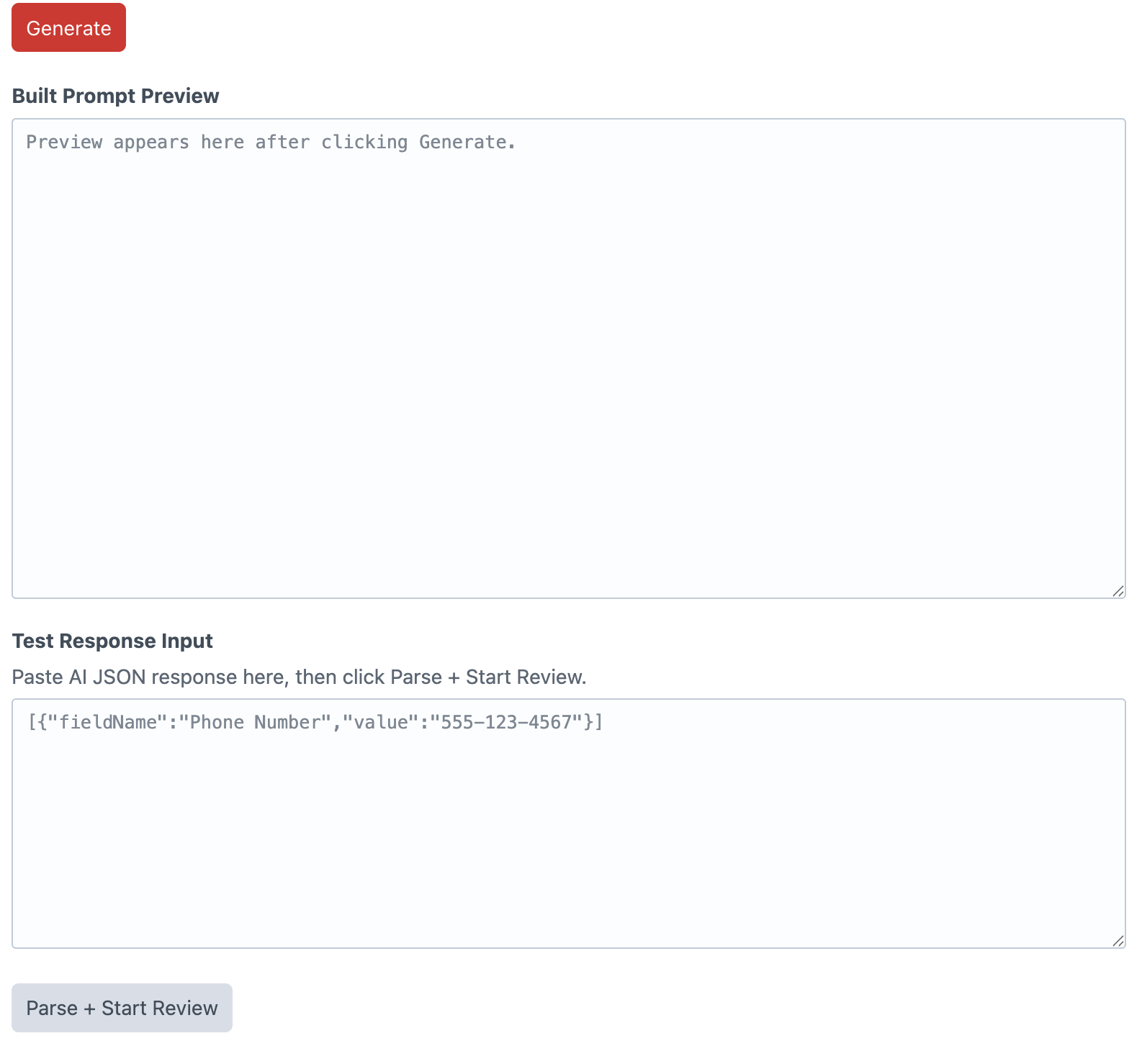
When Test Mode is enabled, editors can generate a prompt preview and manually paste a JSON response for parsing. This is useful for checking prompts, response shape, and review behavior without spending live API calls.
When Test Mode is disabled, the Autofill button sends a live AI request and opens the suggestion review flow.